
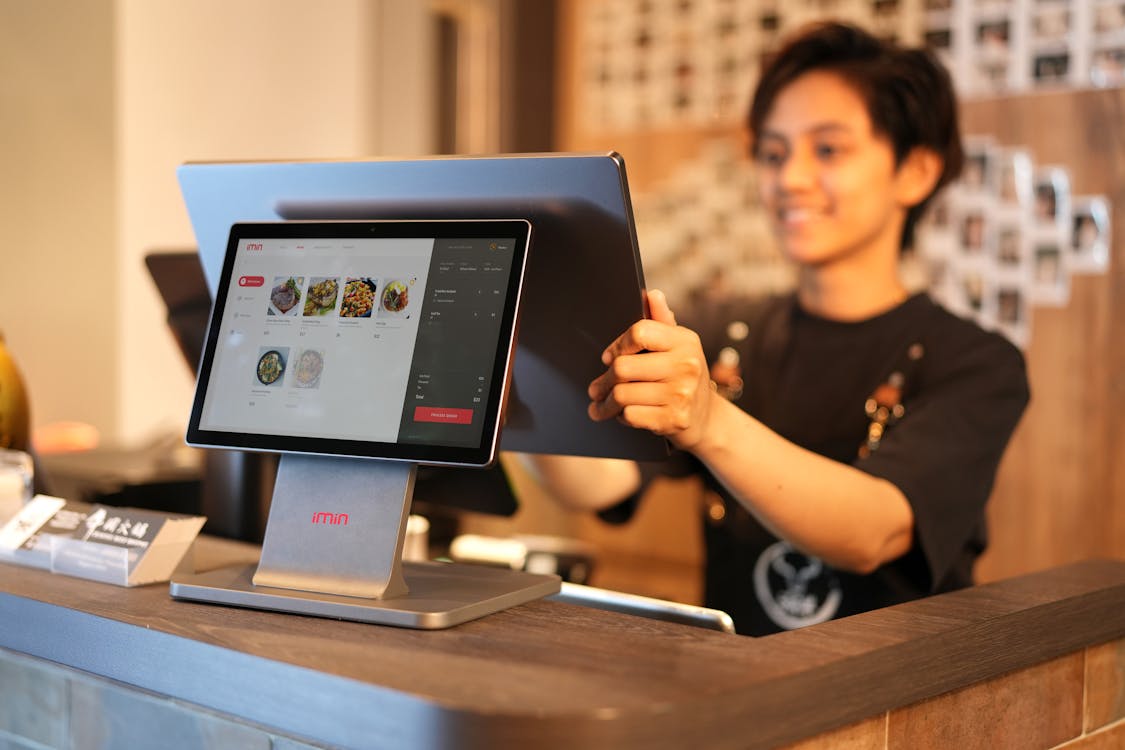
Photo: iMin Technology via Pexels, A customer interacting with a POS touchscreen at a small business counter
Running a small business means fighting hard for every returning customer. The Clover loyalty program gives you a built-in way to reward them, right from your Clover POS system. No extra hardware. No complex setup. Just a straightforward rewards tool that keeps customers coming back.
But is Clover Rewards enough for your business in 2026? And what happens when you need more than a basic punch card?
This guide covers everything: how it works, what it costs, how to get started, and when it makes sense to upgrade to a more powerful loyalty solution.
How the Clover Loyalty Program Works
Clover Rewards is built directly into the Clover POS ecosystem. Customers earn points every time they make a purchase. Those points add up to perks you define, a free item, a discount, or a special offer.
Here is how the reward earning process works for your customers:
- They share their name or phone number at checkout
- They check in via the Clover app, SMS code, or a customer-facing Clover Mini
- Points are automatically added to their account
- They get notified when a reward is ready to redeem
The whole experience runs through your existing Clover dashboard. You set the rules, choose the rewards, and track engagement, all from one place.
Clover data shows that customers enrolled in a loyalty program spend 60% more per transaction, purchase 90% more often, and are five times more likely to return to that brand. Those are numbers worth paying attention to.
Clover Loyalty Program Pricing: free vs Paid
One of the biggest draws of Clover Rewards is that the basic version costs nothing extra. Here is how the two tiers break down:
Clover Rewards Basic, free
Included with all Clover POS plans. You get:
- Automatic customer check-ins via Bluetooth beacon
- Points tracking through the Clover app, SMS, or email
- One-click program announcements to your contact list
- A dashboard to monitor usage and redemptions
- Optional hands-free payment for faster checkout
This tier works well if you are just starting out and want something simple running quickly.
Clover Rewards Engagement Plus, $99/month
This paid tier adds the marketing firepower that growing businesses need:
- Unlimited outreach campaigns to loyalty members
- Birthday rewards sent automatically
- VIP and Regular customer bonus tiers
- Targeted promotions for specific customer groups
- Automated win-back campaigns for lapsed customers
- Scheduled promotions (set it and forget it)
- Welcome bonuses for new sign-ups
- Customer feedback tools and marketing collateral
If you run a business with 200+ active customers and want to drive real retention, the $99/month tier is where the program becomes genuinely useful.
Quick Comparison:
Feature Basic (Free) Engagement Plus ($99/mo) Points tracking ✅ ✅ Bluetooth check-in ✅ ✅ Birthday rewards ❌ ✅ Win-back campaigns ❌ ✅ Targeted promotions ❌ ✅ Welcome bonuses ❌ ✅ Unlimited outreach ❌ ✅
Step-by-Step: how to Sign up and set up Clover Rewards
Getting started with the Clover loyalty program sign-up process is straightforward. Here is how to do it:
Step 1: Log into your Clover Dashboard Go to clover.com and sign in with your merchant account.
Step 2: Open the App Market Navigate to the App Market from your dashboard. Search for "Rewards" and find the app built by Clover.
Step 3: Install the Rewards App Click install. The app connects directly to your POS system. No extra hardware is needed for the basic setup.
Step 4: Configure Your Loyalty Program Set your earning rules. For example: 1 point per $1 spent. Then create your perks, a free item at 100 points, a 10% discount at 200 points, whatever fits your business.
Step 5: Add Rewards to Inventory If you use the Clover Inventory app, link specific products to your rewards. This makes redemption automatic at checkout.
Step 6: Enable Customer Enrollment Turn on enrollment at the counter. Customers can sign up in seconds by sharing their name or scanning a QR code.
Step 7: Promote Your Program Download the marketing kit from the Resources tab. Print posters, share on social media, and add a sign-up reminder to every receipt.
The full setup takes under 30 minutes for most merchants.
Clover Loyalty Program Features Breakdown
Here is a closer look at what the Clover rewards program actually offers:
Points-Based Rewards
Customers earn points based on dollars spent or qualifying purchases. You control the ratio. A coffee shop might do 1 point per $1. A salon might do 10 points per visit.
Punch Card Style Programs
Prefer the classic buy-X-get-one-free model? Clover supports frequency-based punch cards too. Simple, easy for customers to understand, and proven to drive repeat visits.
Customer Segmentation
The Engagement Plus tier lets you group customers by behavior, regulars, VIPs, at-risk customers who have not visited in a while. Each group can receive different offers.
Automated Campaigns
Win-back messages go out automatically to customers who have not visited in a set number of days. Birthday rewards land in their inbox without any manual work on your end.
Reporting Dashboard
Track which rewards are being redeemed most, which customer segments are most active, and what your overall loyalty ROI looks like. The dashboard updates in real time.
Multi-Channel Enrollment
Customers can join through the Clover app, SMS, email, or at the counter. The more ways they can sign up, the higher your enrollment rate.
Clover Rewards Limitations you should know
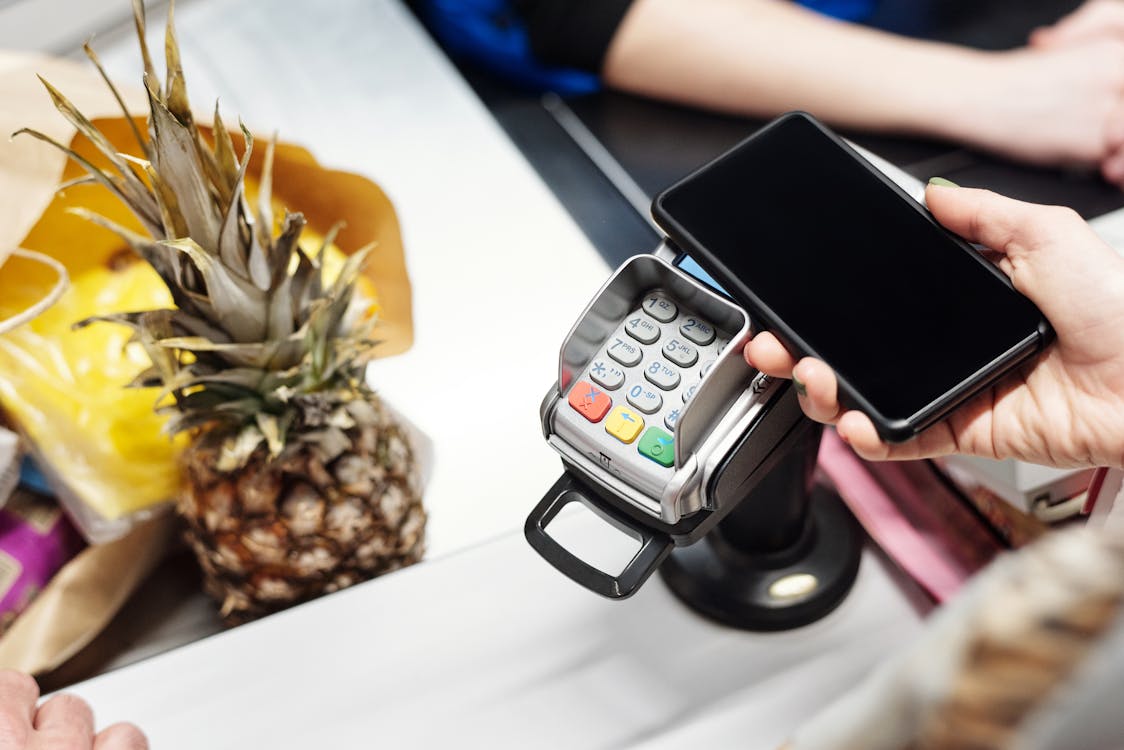
Photo: Jack Sparrow via Pexels, Today's customers expect app-free, wallet-native loyalty experiences
Clover Rewards is a solid starting point. But it comes with real constraints that growing businesses bump into quickly.
Customers need the Clover app. To earn and track points, customers typically need to download the Clover app or give their phone number. Some customers skip this step. That means lost sign-ups.
Limited design control. You cannot fully brand the customer-facing loyalty experience. It looks like Clover, not your business.
Push notifications are basic. The messaging tools in the free tier are minimal. You need the $99/month plan for any real outreach capability.
No wallet pass support. Clover Rewards does not integrate with Apple Wallet or Google Wallet. Your loyalty card lives inside the Clover app, not on your customer's home screen.
Reporting depth is limited. The dashboard covers the basics, but it lacks the granular analytics that multi-location businesses or data-driven owners need.
Contract and hardware requirements. Clover POS hardware is a prerequisite. If you change POS systems, your loyalty data does not easily migrate.
These limitations matter more as your customer base grows. A business with 50 customers might not notice. A business with 5,000 will.
Hitting Clover's limits? There is a better way.
LoyaltyPass runs alongside your Clover POS and adds what Clover can't give you: Apple & Google Wallet passes, 90% open-rate push notifications, and full brand control. Your customers never need to download another app.
Upgrade Option: Wallet-Based Loyalty with LoyaltyPass

Photo: iMin Technology via Pexels, Great loyalty experiences turn every checkout into a reason to return
If Clover Rewards feels limiting, there is a better way to run loyalty for Clover merchants, one that lives where your customers already are.
LoyaltyPass creates digital loyalty cards that sit inside Apple Wallet and Google Wallet. No app download needed for your customers. No hardware changes needed for you.
Here is why that matters:
Your card is always visible. It sits on the home screen of your customer's phone, not buried in an app they rarely open.
Push notifications with 90% open rates. Email gets around 20% opens. A wallet pass notification goes straight to the lock screen. That is a channel most small businesses are not using yet.
One-tap enrollment. Share a QR code at the counter, a link via SMS, or embed it in your emails. Customers add your loyalty card in seconds.
Works with Clover. LoyaltyPass integrates with Clover out of the box. You keep your POS. You just upgrade the loyalty layer.
Full brand control. Your card looks like your business, your logo, your colors, your design. Not a generic app interface.
Businesses using LoyaltyPass report an average 47% increase in repeat visits. Redemption rates jump from the industry average of 8% up to 34%.
You can see how it works or check pricing to find the right plan for your location.
Industry use Cases

Photo: Afta Putta Gunawan via Pexels, Loyalty programs turn occasional visitors into regulars across coffee shops, restaurants, salons, and retail
Coffee Shops
A coffee shop running the Clover loyalty program can set up a buy-10-get-1-free punch card in minutes. With LoyaltyPass, that same shop adds wallet passes and slow-day push notifications, "Double points today until 2pm", that show up directly on customer phones. One coffee shop manager reported going fully booked on previously slow Tuesdays after switching on a single 10am push campaign.
Restaurants and Pizzerias
Points-based rewards work well for restaurants with variable ticket sizes. Customers spend more when they know a reward is close. With automated win-back campaigns, you can pull back customers who have not ordered in 30 days, without lifting a finger.
Med Spas and Salons
High-value, lower-frequency businesses benefit most from birthday rewards and VIP tiers. One med spa owner added wallet pass notifications after appointments, a push showing updated points, and referrals jumped from 2 per month to 15.
Retail Stores
Retail businesses with diverse inventory can tie loyalty points to specific product categories. Buy skincare products, earn double points. This drives upsells while rewarding the behavior you actually want.
Clover Loyalty vs LoyaltyPass: Side-by-Side Comparison
| Feature | Clover Rewards (Basic) | Clover Engagement Plus | LoyaltyPass (Growth) |
|---|---|---|---|
| Monthly cost | Free | $99/mo | $65/mo |
| App download required (customers) | Yes | Yes | No |
| Apple/Google Wallet passes | ❌ | ❌ | ✅ |
| Push notifications | Limited | ✅ | ✅ (90% open rate) |
| Full brand customization | ❌ | Limited | ✅ |
| Birthday rewards | ❌ | ✅ | ✅ |
| Win-back campaigns | ❌ | ✅ | ✅ |
| Customer segmentation | Basic | ✅ | ✅ |
| Real-time analytics | Basic | ✅ | ✅ |
| Geofence triggers | ❌ | ❌ | ✅ |
| Multi-location support | ✅ | ✅ | ✅ (Enterprise) |
| Setup time | 30 min | 30 min | Under 10 min |
| Clover POS required | Yes | Yes | No |
The biggest gap is the wallet pass. Clover keeps loyalty inside an app. LoyaltyPass puts it on the home screen, where customers actually see it.
Conclusion
The Clover loyalty program is a practical, low-friction way to start rewarding your customers. The free tier gets you up and running fast. The paid tier adds the automation and outreach tools that actually move the needle on retention.
But as your business grows, the gaps become harder to ignore. No wallet pass support. Limited branding. Customers stuck downloading an app just to track their points.
That is where LoyaltyPass fills in. It runs alongside your Clover POS, adds Apple and Google Wallet passes, and puts your loyalty card on your customer's home screen, permanently.
5,000+ local businesses. 2.5 million wallet passes. 47% more repeat visits.
See why business owners are upgrading from Clover's built-in rewards to a loyalty program that lives on their customers' home screens.
No hardware. No app downloads for customers. Live in under 10 minutes.
Start your free LoyaltyPass trial → Watch the 60-second demo →
Related reading:


